Hourly daily schedule
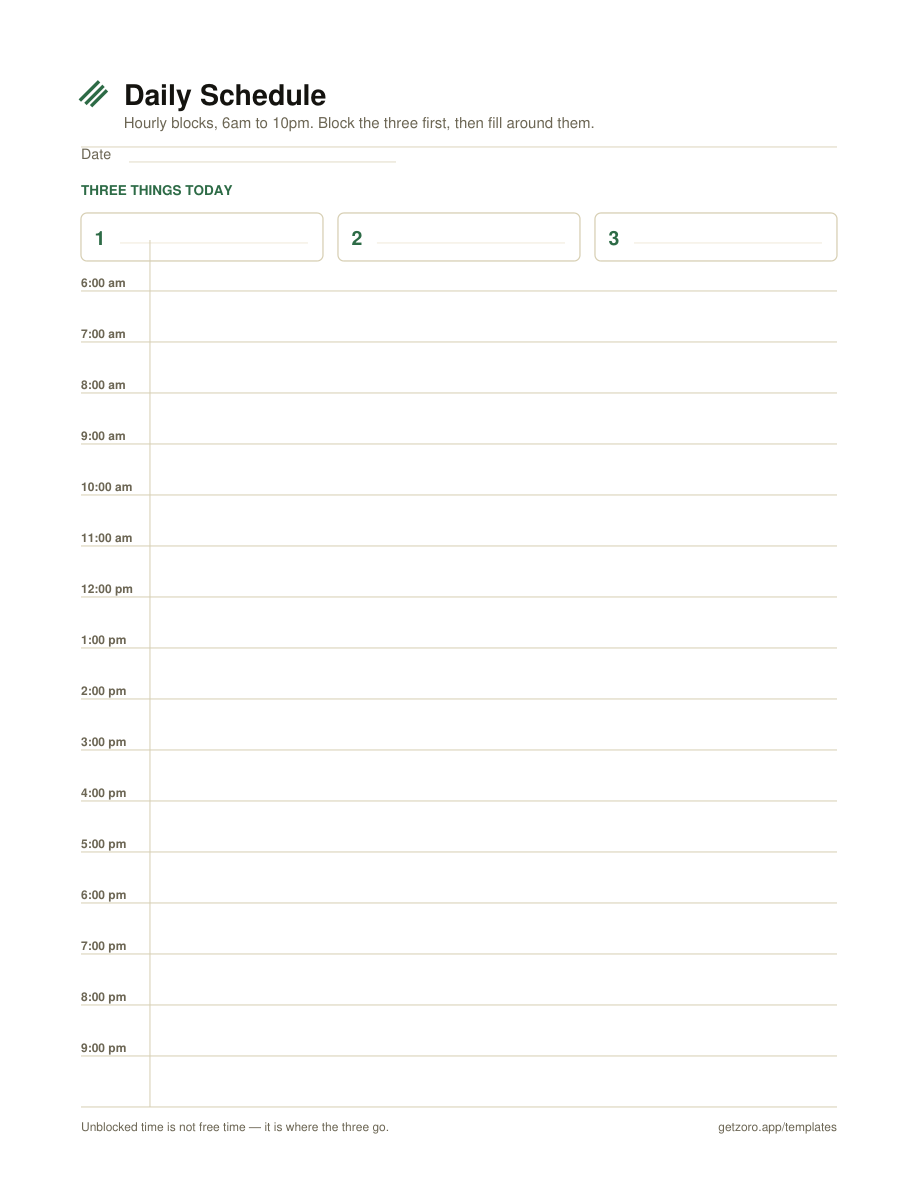
One-hour blocks from 6am to 10pm, with three task slots sitting above the grid so you block those before anything else gets in. The one to start with.
Download PDF →Three PDFs, no email, no watermark: an hourly time-blocking grid, a 30-minute version for days made of appointments, and a one-page daily planner that puts your three priorities next to the schedule instead of underneath it.
One-hour blocks from 6am to 10pm, with three task slots sitting above the grid so you block those before anything else gets in. The one to start with.
Download PDF →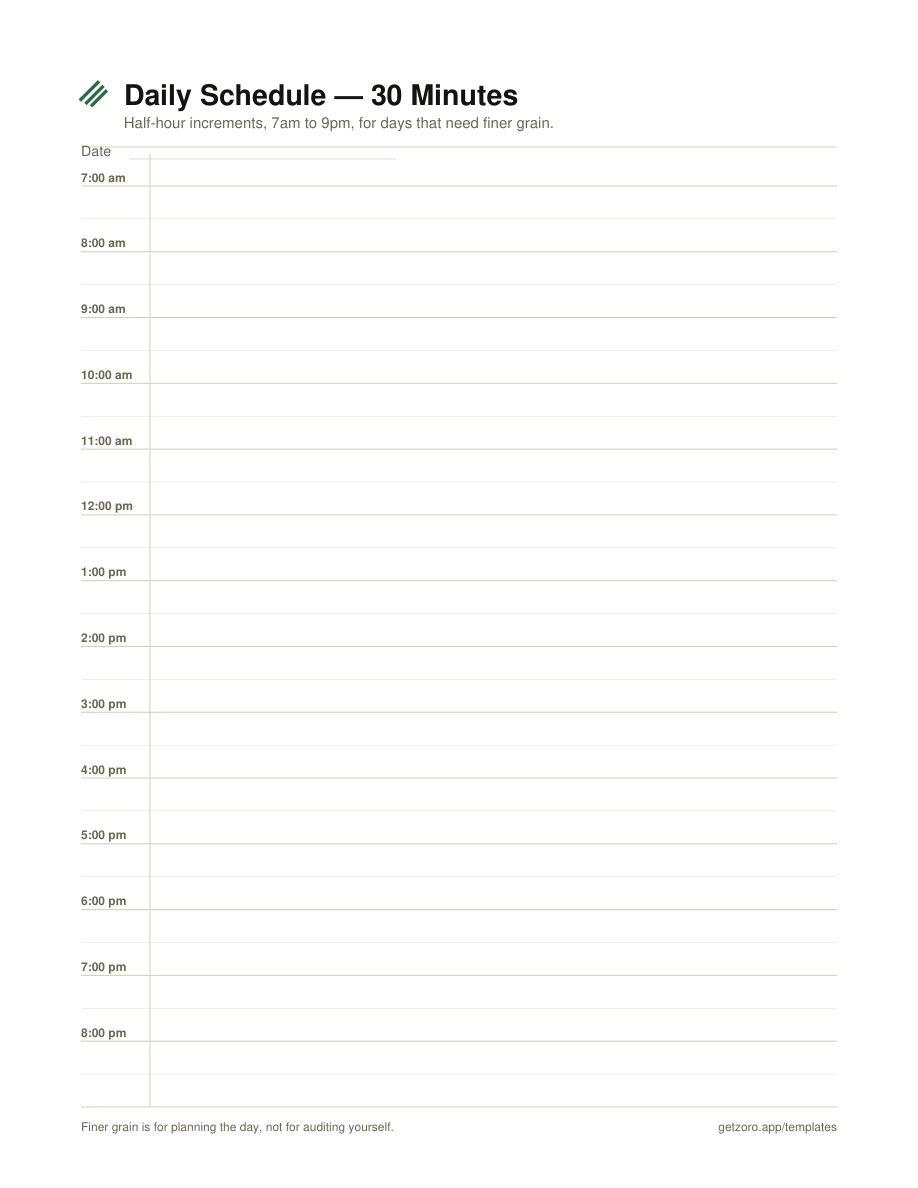
Half-hour increments, 7am to 9pm. For days genuinely made of short fixed commitments — back-to-back calls, appointments, teaching. Not for deep work days.
Download PDF →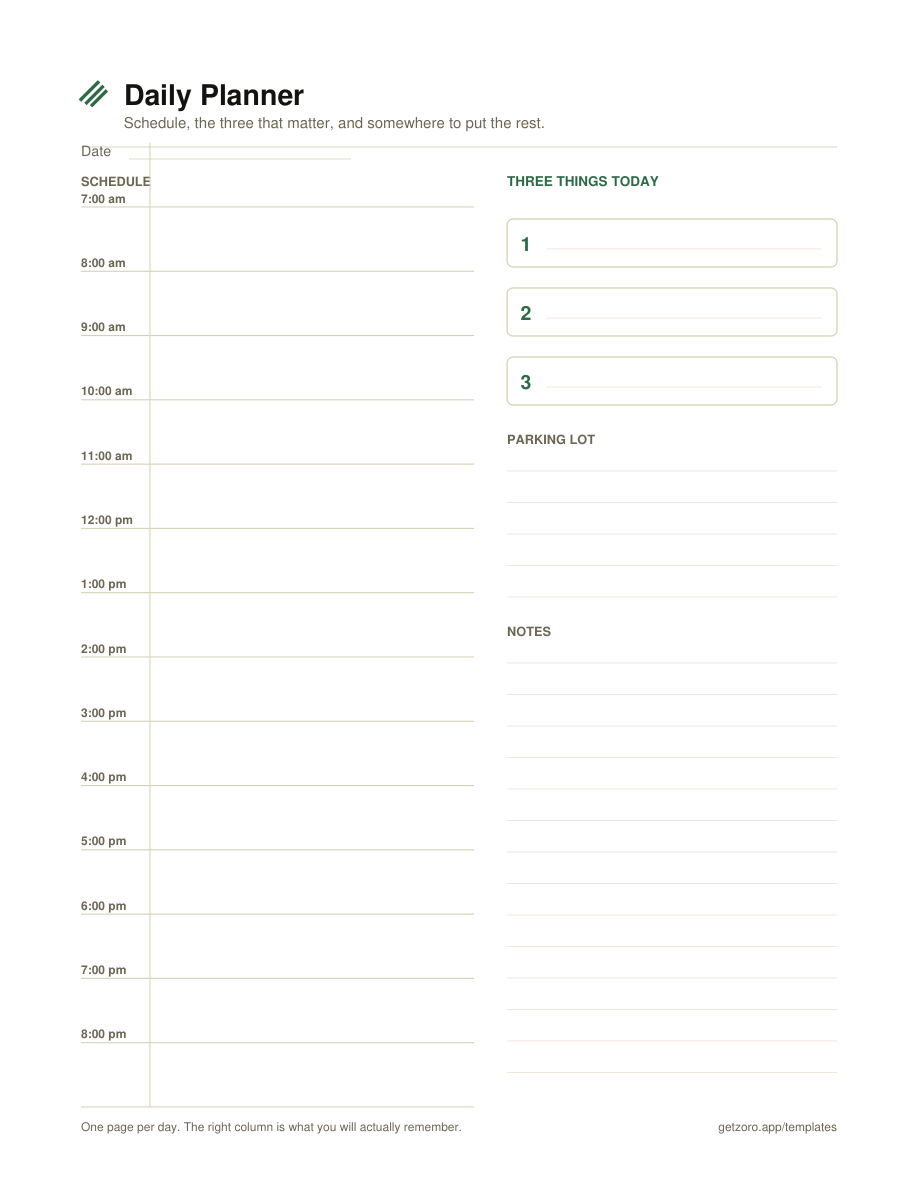
Schedule down the left; three priorities, a parking lot and notes down the right. The whole day on one sheet — this is the free daily planner PDF most people are actually looking for.
Download PDF →Most daily schedule templates fail the same way: you fill every row in the morning, one thing overruns by forty minutes, and by 11am the page is fiction. Then you stop using it. The grid was not the problem — the plan was too tight to absorb a single surprise.
Hourly is the default and it is the right default. Hour blocks match how long real work takes and they leave room for overrun.
30-minute is for calendars, not for work — days of back-to-back calls and appointments where the grain genuinely is half an hour. Used on a deep-work day it quietly turns into a tool for auditing yourself, which is not what a planner is for.
The one-page planner is the one to print if you only print one. The right-hand column is the part you will still care about at 6pm: what mattered, what you parked, and what you want to remember. The schedule on the left is scaffolding for that, not the point of it.
Yes — free PDFs, no email signup, no account, no watermark. Print them as often as you want.
US Letter (8.5 × 11in), portrait. They print fine on A4 with "fit to page" set. Hairline rules and no heavy fills, so they are cheap on ink and readable from a black-and-white office printer.
Not yet. The WIP-limited to-do list covers a week's worth of work reasonably well if you want something wider than a day.
Time blocking works right up until the moment the list feeding it is longer than the day. Zoro is a single-player kanban for iPhone and Mac that handles the other half: a cap on what's active, tasks sized to be startable, one thing that's #1, and a weekly review where deleting is winning. No streaks, no confetti. Free with unlimited tasks and iCloud sync; Pro is $2.99/mo, $19.99/yr, or $59.99 once.
Download on the App Store →