Three Things Today
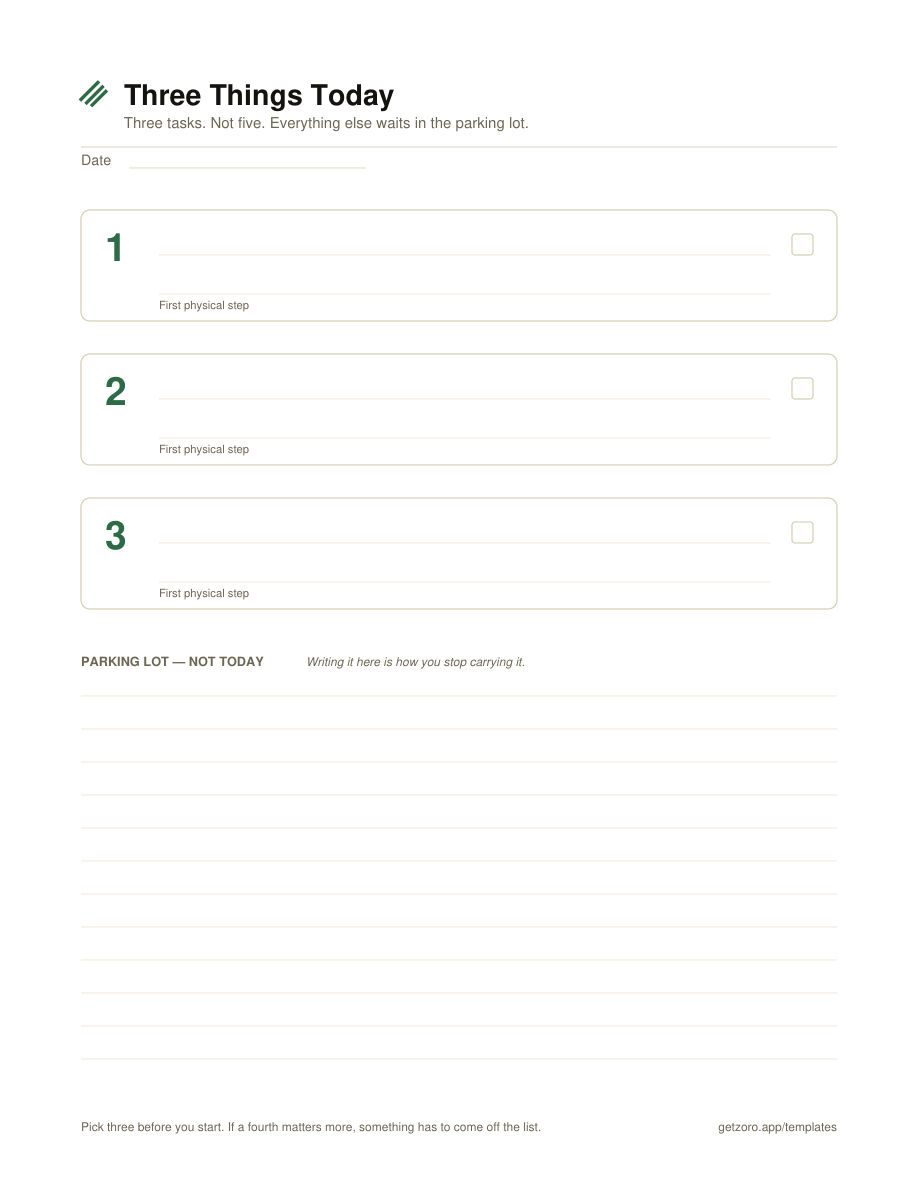
Three task slots, each with a line for the first physical step, and a parking lot underneath for everything that is not today. The daily one. Start here if you consistently plan more than you finish.
Download PDF →Three PDFs, no email, no watermark. They are deliberately not the usual forty blank rows: each one has a limit built into it, because a to-do list template that is very good at collecting tasks and useless at finishing them is how you ended up looking for a new one.
Three task slots, each with a line for the first physical step, and a parking lot underneath for everything that is not today. The daily one. Start here if you consistently plan more than you finish.
Download PDF →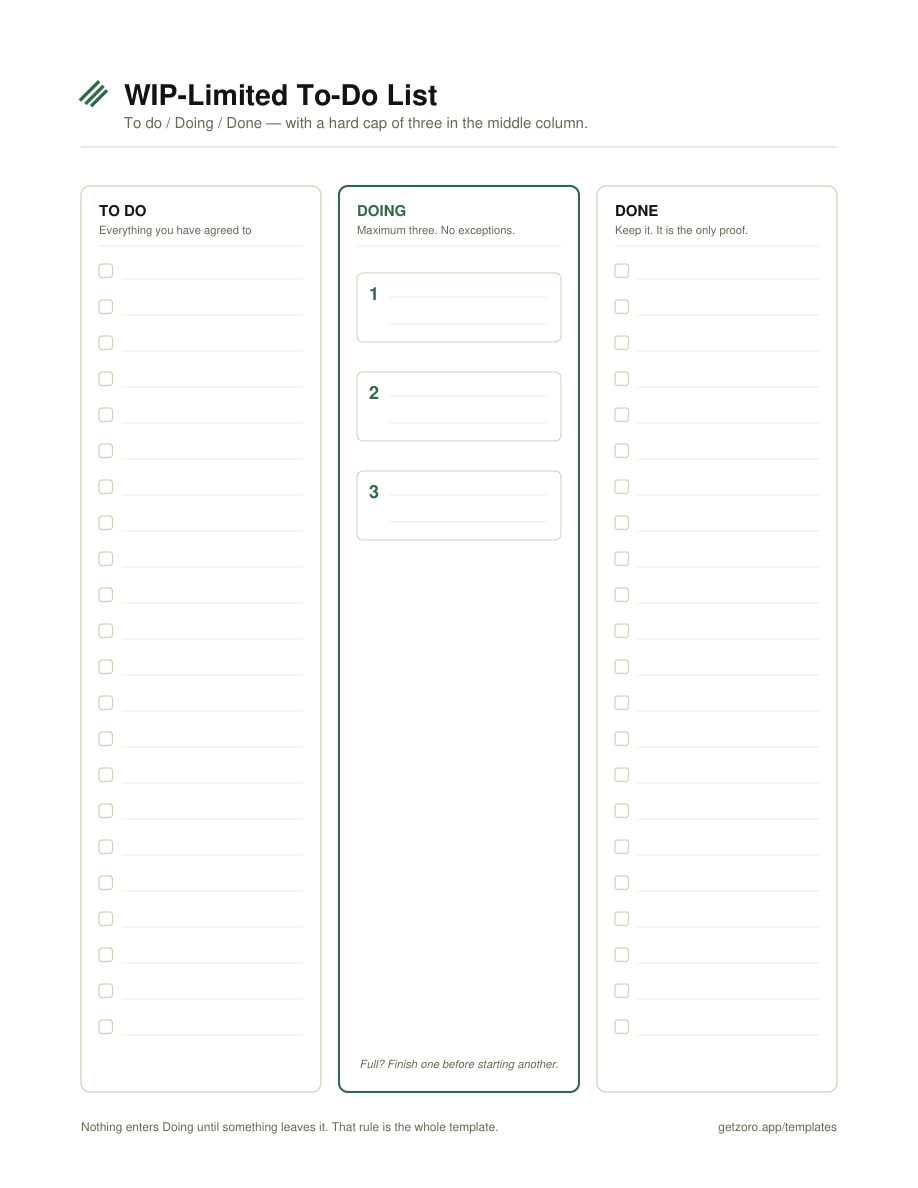
To do, Doing, Done — with the middle column capped at three physical slots. A personal kanban on one page. Use this when work sits half-finished for days and you want to see what is actually in flight.
Download PDF →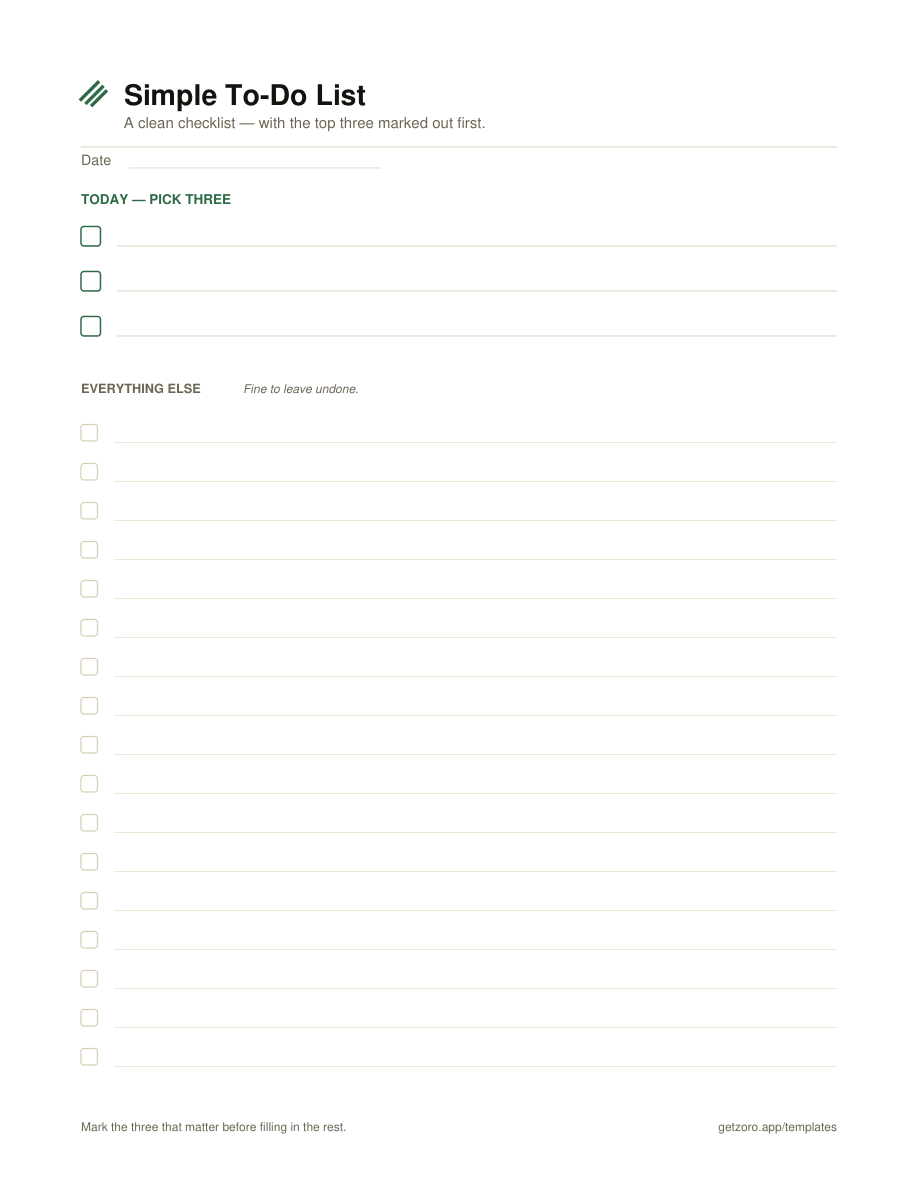
A clean checklist, with three marked out at the top before the rest. The least opinionated of the three — the one to print if you already know your priorities and just want somewhere to put them.
Download PDF →The standard printable to-do list is a column of empty rows. It is a capture tool, and it is good at that — but capture was never the hard part. The hard part is that everything you capture stays on the page, in full view, forever, and each unfinished line quietly asks to be dealt with every time you look.
So the list grows. And a list that grows faster than you finish stops being a plan and starts being a record of everything you are behind on. At that point most people do the reasonable thing and stop looking at it.
A limit changes what the page is for. When there are three slots, filling them is a decision, and you make that decision in the morning when you can still think clearly rather than at 4pm when you are picking whatever is loudest. The tasks you did not pick are not lost — they go in the parking lot, which is the part that makes the limit bearable. You are not pretending they do not exist. You are saying they are not today.
Yes — free PDFs, no email signup, no account, no watermark. Print them as often as you want, including for a team or a classroom.
Laid out for US Letter (8.5 × 11in), portrait. They print fine on A4 with "fit to page" set — the margins are generous. Hairline rules and no heavy fills, so they are cheap on ink and survive a black-and-white office printer.
No — they are print-first PDFs meant to be filled in by hand, and the handwriting is part of why the limit sticks. If you want an editable version, be warned that a spreadsheet re-creates the uncapped-list problem almost immediately.
It usually is not, but the honest test is empirical: run it for a week and count how often you finished all three. If you finished all three every day, add a fourth slot by hand. Most people discover the opposite.
The limit is the useful part, and paper enforces it honestly — you run out of boxes. What paper cannot do is carry yesterday forward, tell you a task has been sitting for eleven days, or stop you quietly starting a fourth thing. Zoro is a single-player kanban for iPhone and Mac built on the same idea: a cap on what's active, tasks sized to be startable, one thing that's #1, and a weekly review where deleting is winning. No streaks, no confetti. Free with unlimited tasks and iCloud sync; Pro is $2.99/mo, $19.99/yr, or $59.99 once.
Download on the App Store →